
Here are some tools to help you promote your booth at Landscape Ontario Congress
VIP PASSES
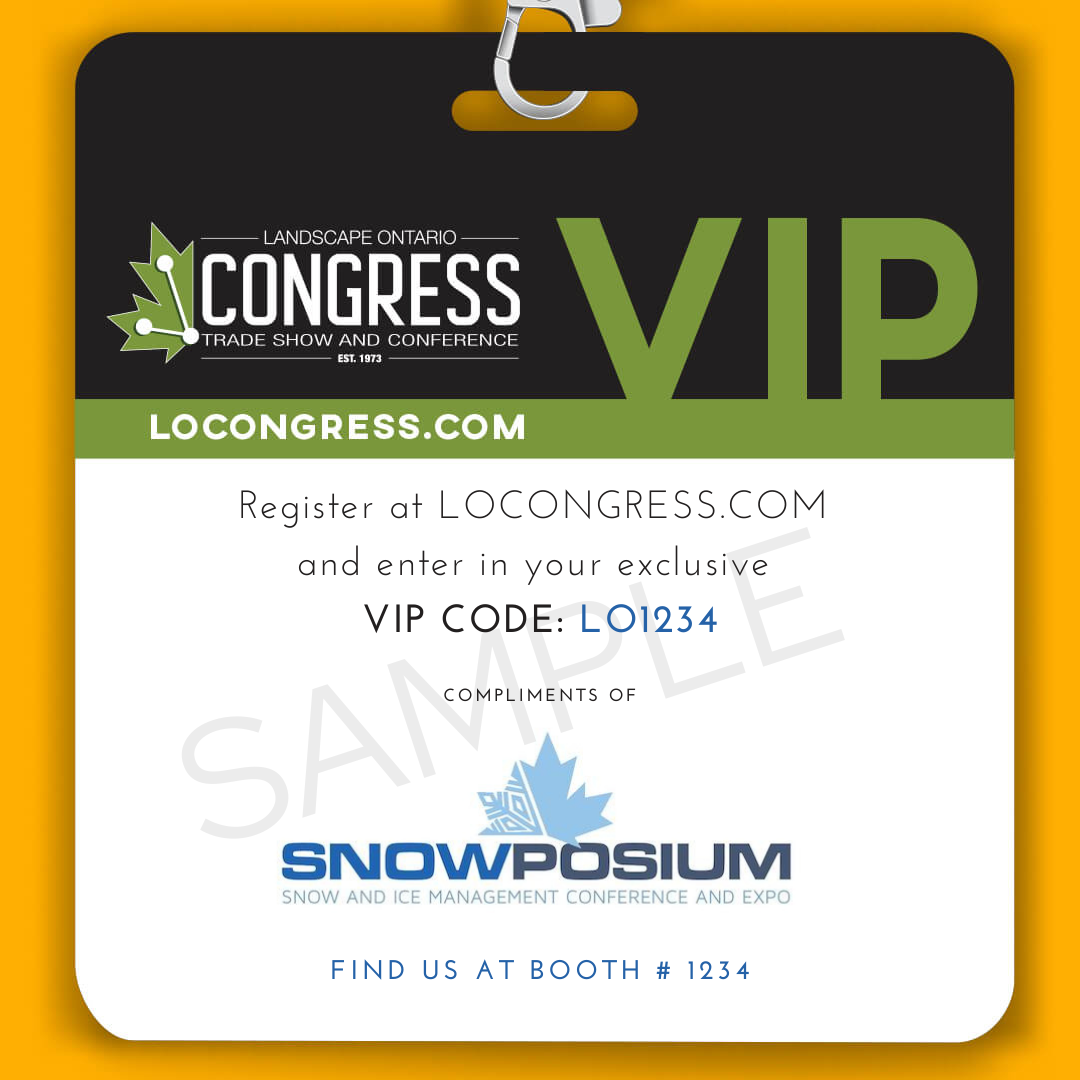
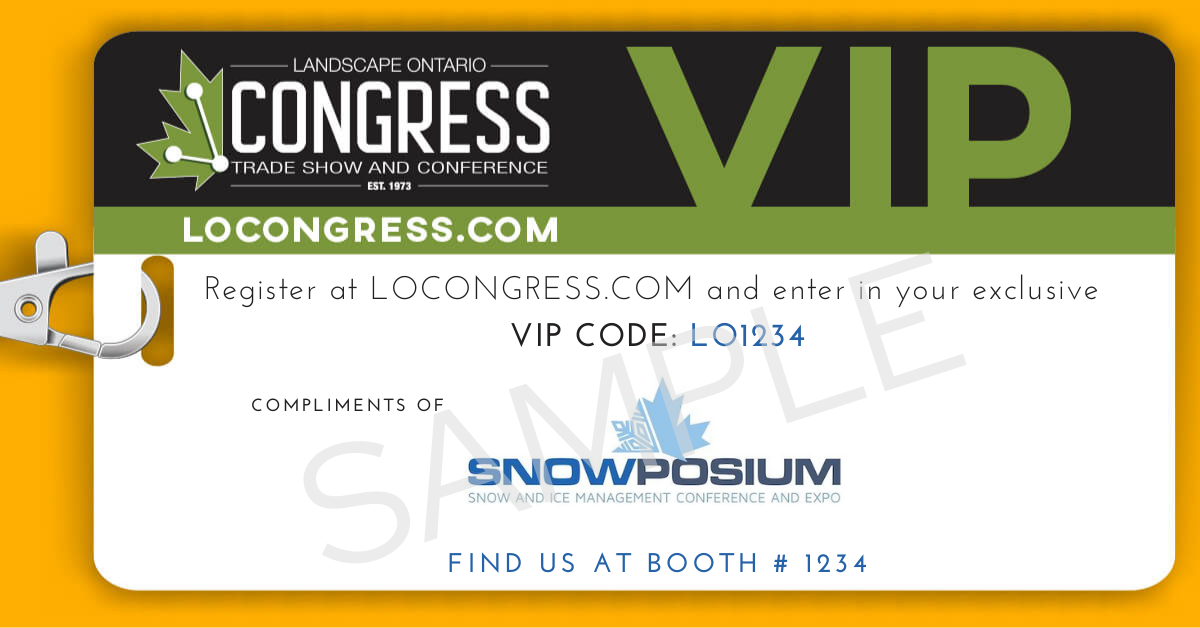
As an exhibitor, you have been provided with a unique VIP code to distribute to your clients, giving them a FREE trade show pass. To find your unique code, login to your registration portal. This code can be used by an unlimited amount of people. Below are some graphics provided should you choose to use them.
To download a copy of the image below, click on the image and it will open in a new tab. Right click on the image, and select ‘Save Image As’. To edit the image with your own information, you can use regular photo editing software or use free photo editing software, such as Canva.
If posting about Congress on social media, don’t forget to use the hashtag #LOCONGRESS
-
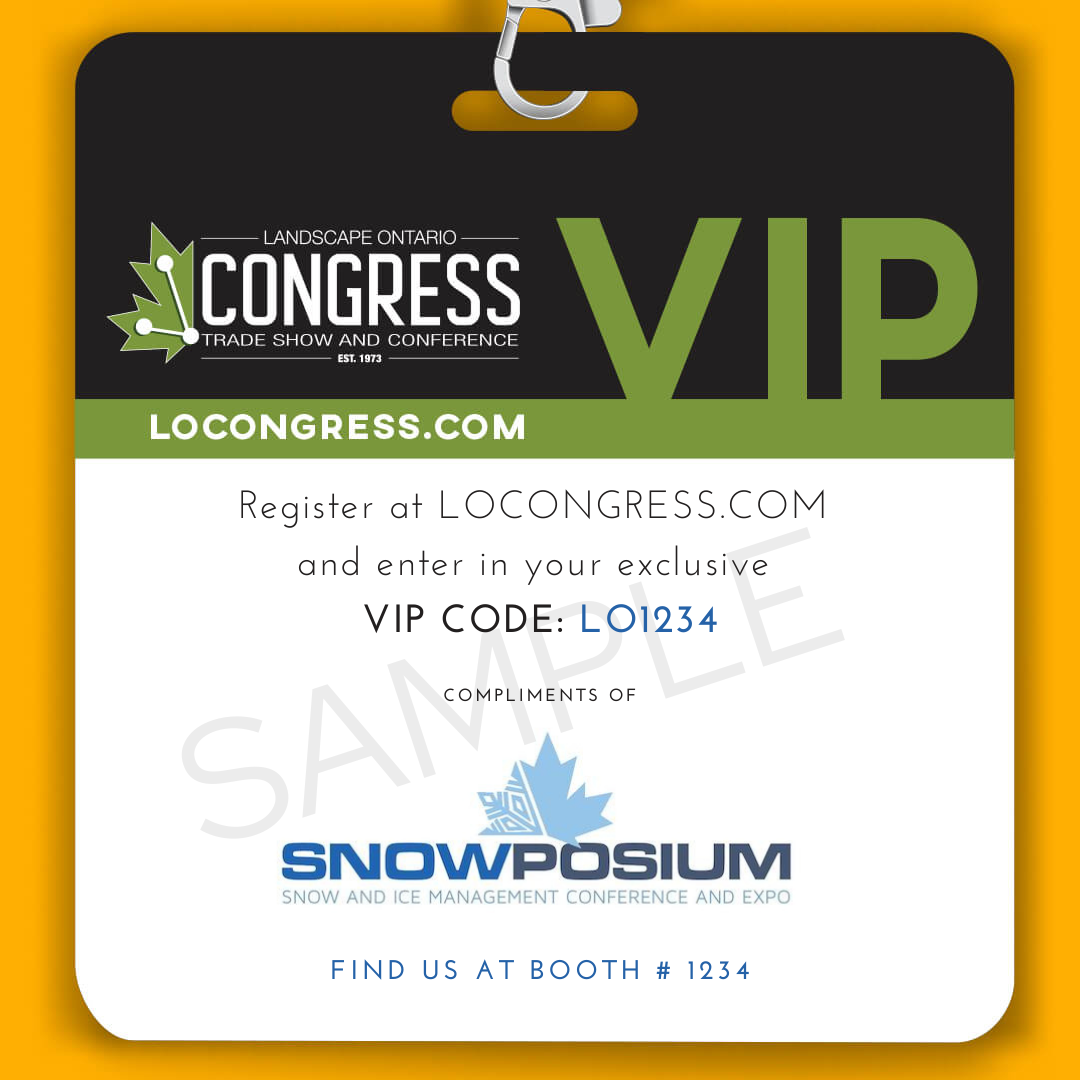
VIP Pass SAMPLE
-
VIP Pass TEMPLATE
-

VIP Pass BLANK

-
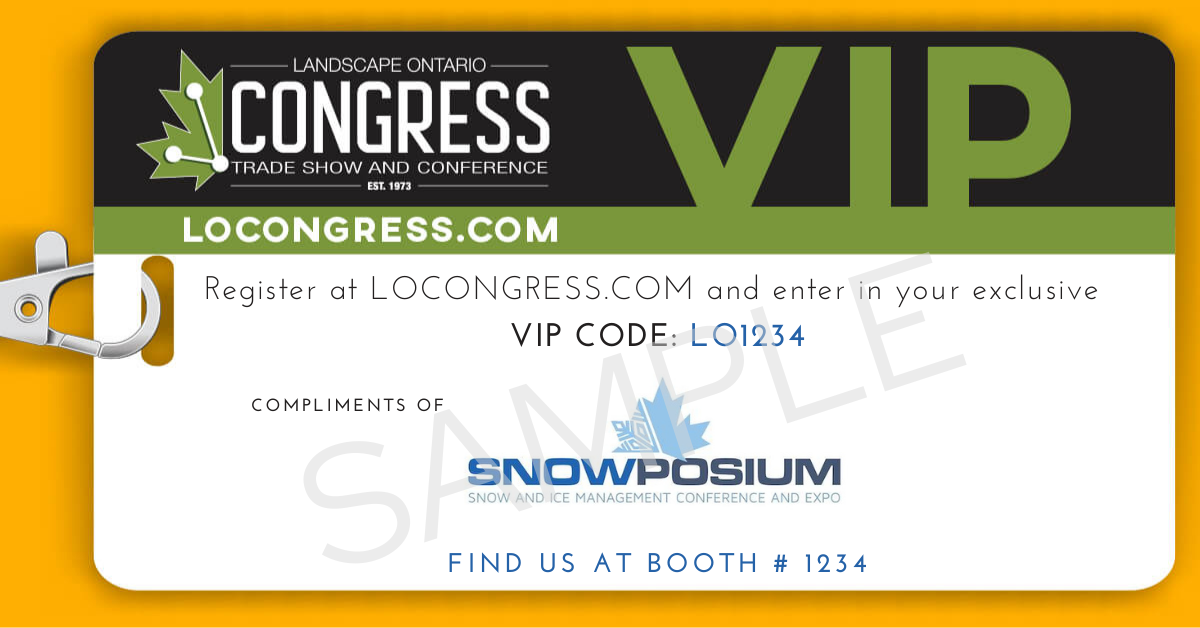
VIP Pass SAMPLE
-

VIP Pass TEMPLATE
-

VIP Pass BLANK


SOCIAL MEDIA GRAPHICS
We love seeing exhibitors promote their booths at the show. Use the hashtag #LOCongress and tag @landscapeontario on Facebook, Instagram, LinkedIn and @green_for_life on Twitter.
Below, you’ll find sample social media graphics including placeholder text to show where you can add your logo and booth number. Download the version without the placeholder text to customize for your company
To download a copy of the image below, click on the image and it will open in a new tab. Right click on the image, and select ‘Save Image As’. To edit the image with your own information, you can use regular photo editing software or use free photo editing software, such as Canva.
If posting about Congress on social media, don’t forget to use the hashtag #LOCONGRESS
-
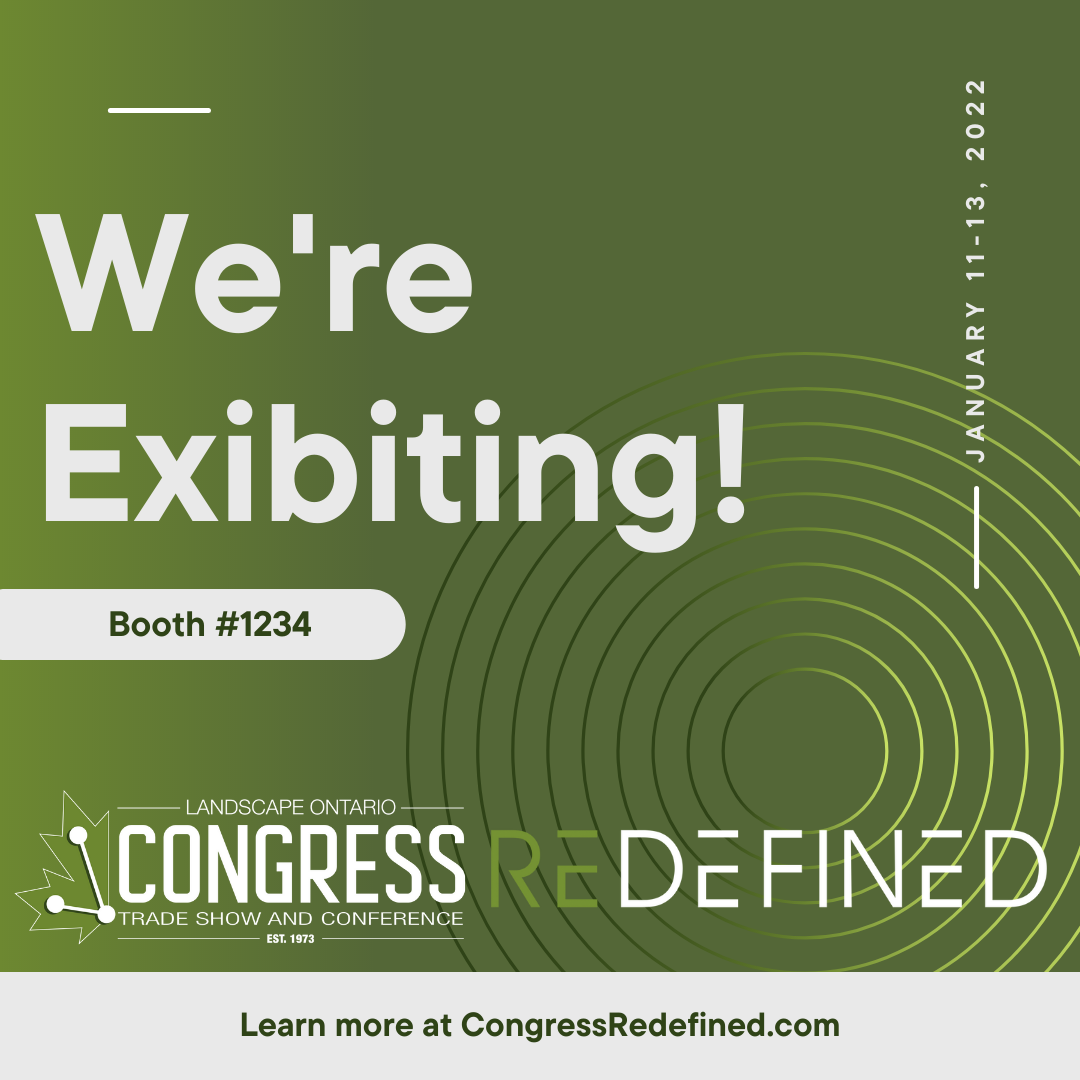
SAMPLE
-

TEMPLATE
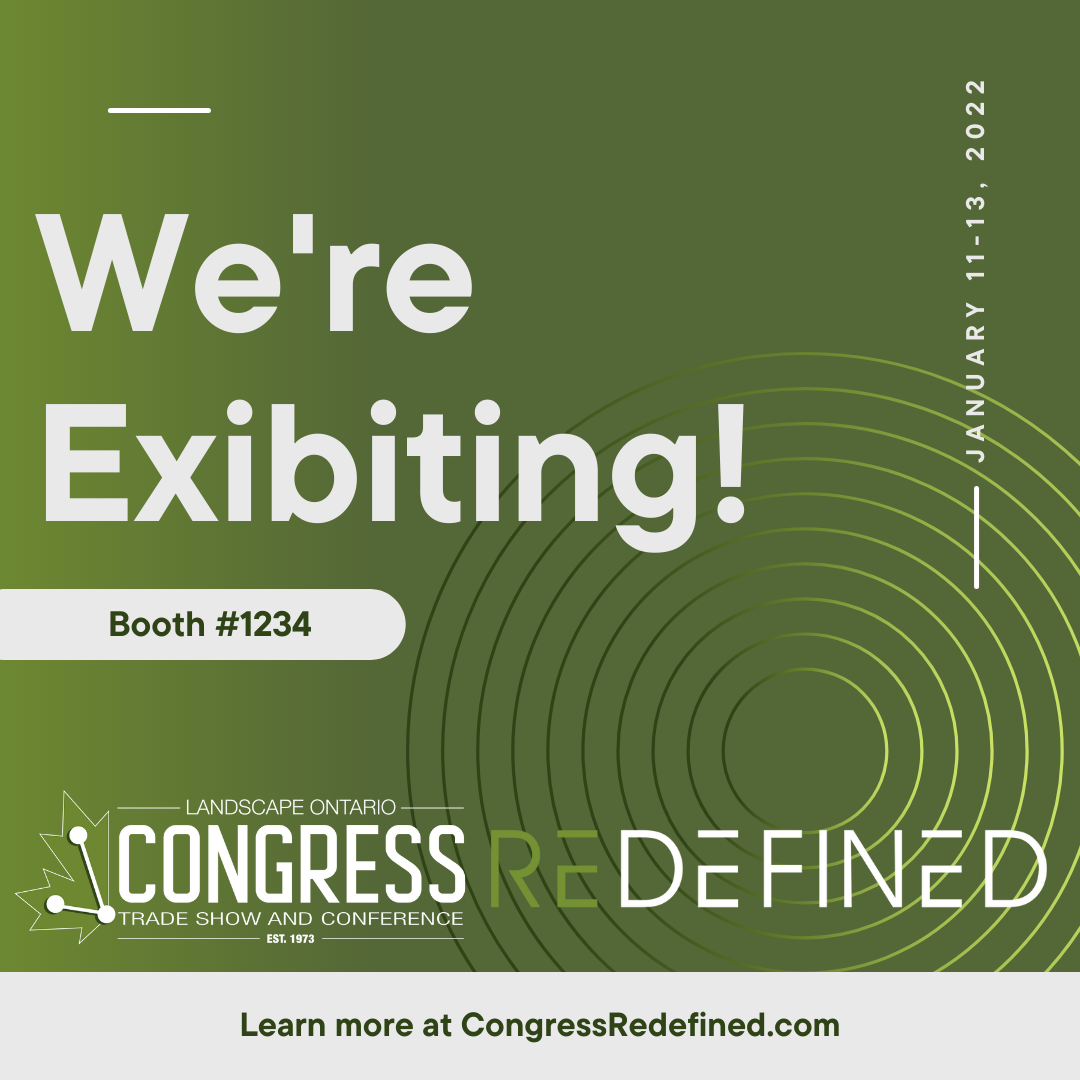

-

SAMPLE 2
-
.png)
TEMPLATE 2

.png)
-

SAMPLE 3
-
.png)
TEMPLATE 3
-
.png)
TEMPLATE 3

.png)
.png)
.png)
Congress Redefined Logos
-

Trade Show Logo
-

Conference Logo
-

Trade Show and Conference Logo
